Car privacy is easier to manage when you separate navigation, keys, recordings and connected accounts. This guide is for drivers who want useful directions and road footage while keeping control over what they share. You will learn how to prepare offline maps, check a key pouch and choose a camera setup you can manage yourself.
Last checked October 29, 2026.
Quick answer
- Prepare and test offline navigation before leaving home.
- For a keyless car, consider a signal-blocking pouch and test it with your own key.
- Choose a dash cam whose manual confirms recording and playback without a cloud account.
- Review optional connected services individually, and remove paired-phone data before returning a rental.
Why car privacy starts with separate choices
A 2024 journal article quotes US Federal Trade Commission advice that a rental car might keep GPS locations, a phone number, call and message logs, contacts and text messages long after you return it.1 That makes a useful starting question: what does this particular feature need to remember?
Keep four questions separate. Where will navigation happen? How will you store the key? Where will camera footage stay? Which connected services do you actually want? Treat a key pouch as theft protection, and review your maps, recordings and accounts separately for privacy.
Start with the equipment you already own. Read the relevant manuals before buying replacements. Aim for a setup you can understand and maintain, rather than a promise that every journey will become invisible.
Your options: four parts of a quieter car
1. Offline maps on your phone
Organic Maps offers downloaded maps, offline search and voice-guided car navigation.2 The project describes the app as absolutely free, with no ads, no tracking and no annoying registration.2 A September 2026 project update lists the App Store and Google Play among the official install options.9
Its source-code licence is Apache 2.0.3 The latest Android release listed on GitHub is 2026.09.29-32-android, released September 29, 2026.4 The Apple listing shows iOS version 2026.09.29, dated October 1.5 These recent releases indicate ongoing maintenance.
- Pros: A useful starting choice for everyday navigation; try a familiar journey before relying on it farther afield.
- Cons: You need to prepare the right regions and keep them updated; do not plan around receiving live information while disconnected.
- Suits: Drivers who want directions without building their routine around a navigation account.
Follow the Academy’s guide to offline maps once you are in the car for a focused preparation routine.
2. A signal-blocking pouch for a keyless fob
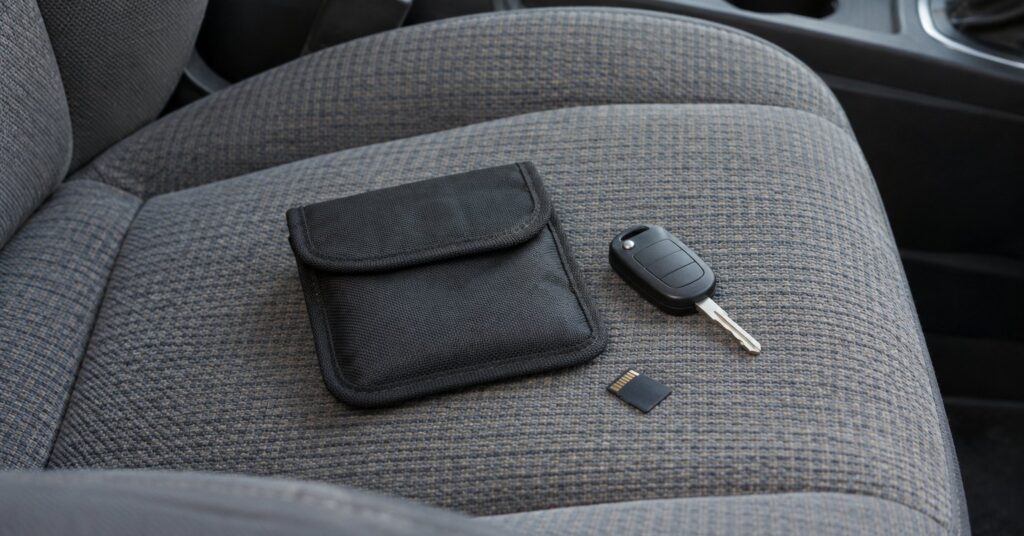
West Yorkshire Police explains that relay theft tricks a car into treating its remote key as nearby, allowing unlocking and starting.7 A relay is equipment that passes a signal between two places. Police recommend a signal-blocking pouch and checking whether the fob’s wireless signal can be switched off.7
- Pros: A straightforward home-storage habit to consider for both the main key and spare.
- Cons: You must close the pouch properly and confirm that it works with your key.
- Suits: Owners whose car unlocks with the fob still in a pocket or bag.
Choose by the result of a practical check, rather than packaging claims alone. The Academy’s guide to a pouch for the car key covers this part of the routine.
3. A dash cam with removable local storage
Look for a camera whose manual confirms that it records to a removable memory card without registration. Before buying, ask how to watch and copy a clip without the manufacturer’s app. Check whether you can disable audio, location stamping and automatic uploads if those features are present.
Nextbase explains that loop recording replaces older footage as storage fills, while protected clips remain on the card.8 Loop recording means reusing storage for newer video. Treat saving an important clip as a separate task.
- Pros: Choose this approach when you want to decide which clips to copy and share.
- Cons: Plan for card checks, important-clip backups and the possibility of losing the camera or card.
- Suits: Drivers who want road evidence and are comfortable managing a memory card.
Use the Academy’s camera-on-a-card guide as a shopping checklist.
4. A deliberate choice about connected accounts
Before signing into a vehicle account, list the functions you expect to use. Ask the dealer or provider which require an account, which involve a subscription, and how to cancel or delete them. Get answers for your exact vehicle, country and service package.
- Pros: A feature-by-feature decision gives you a clear reason for each service you enable.
- Cons: You need to investigate the tradeoffs before changing settings.
- Suits: Drivers willing to weigh convenience against the information a service requests.
Consult the manual before changing emergency, safety or assistance settings. Do not assume that an empty login screen establishes what the vehicle transmits. See skipping the car’s connected account for questions to ask.
Step by step: set up maps, key and camera
- Download your route area at home. Include the destination, the regions between it and home, and plausible detours. Search for your destination before disconnecting.
- Run an offline rehearsal. While parked, turn off Wi-Fi and mobile data, reopen the map and calculate a route. Check the spoken instructions, then restore your preferred connections.
- Check the key pouch. With the spare key well away, close the main key inside the intended compartment. Approach the locked car and try its usual keyless door entry. If it opens, investigate before relying on the pouch. Repeat with the spare.
- Make a camera test recording. Follow its manual for card setup and safe removal. Play the clip on a computer. Check the time, framing, sound and any location information.
- Rehearse saving evidence. Learn the camera’s protect function and copy a sample clip somewhere private. Confirm the copy plays before clearing the card.
- Review accounts and permissions. A July 2024 News4Jax report says to give a rental car only the phone access a task needs, then unpair the phone and delete saved data and addresses before you return it.10 For your own car, write down which services you enabled and why.
Common car privacy mistakes to avoid
- Making the first offline navigation attempt during an unfamiliar drive.
- Testing a pouch while another working key is nearby.
- Buying a camera before checking its account and playback requirements.
- Clearing a memory card before copying footage you need.
- Sharing an entire journey when a short relevant clip would do.
Frequently asked questions
Can GPS navigation work without mobile data?
Yes: Organic Maps documents GPS use with mobile data disabled, including in flight mode on Android and iOS.6 Download the maps first and rehearse on your own phone before travel.
Will a key pouch stop my car sharing data?
Choose the pouch for the keyless-entry risk described above. Investigate the vehicle’s connectivity and service settings separately; a successful door-entry test answers only the pouch question.
Will dash cam loop recording preserve an important clip?
Learn how to protect and copy it promptly. Nextbase says formatting deletes all files, including protected recordings.8 Check your camera’s instructions before any card maintenance.
How should I charge my phone in a rental car?
News4Jax reports that the FTC says a cigarette-lighter adapter is safer than the car’s USB port when you only want to charge a phone, because in some cases the USB connection may transfer data automatically.10 Pack an appropriate adapter before your trip.
Sources
- Journal of Surveillance, Security and Safety: A data privacy survey on personal identifiable information left on rental vehicle infotainment systems
- Organic Maps: Offline Hike, Bike, Trails and Navigation
- Organic Maps on GitHub: Apache 2.0 licence
- Organic Maps on GitHub: Release 2026.09.29-32-android
- Apple App Store: Organic Maps — version history
- Organic Maps: Frequently Asked Questions
- West Yorkshire Police: Keyless theft
- Nextbase: Loop Recording
- Organic Maps: September 29, 2026 update
- News4Jax: Save money and protect your personal information when renting a car