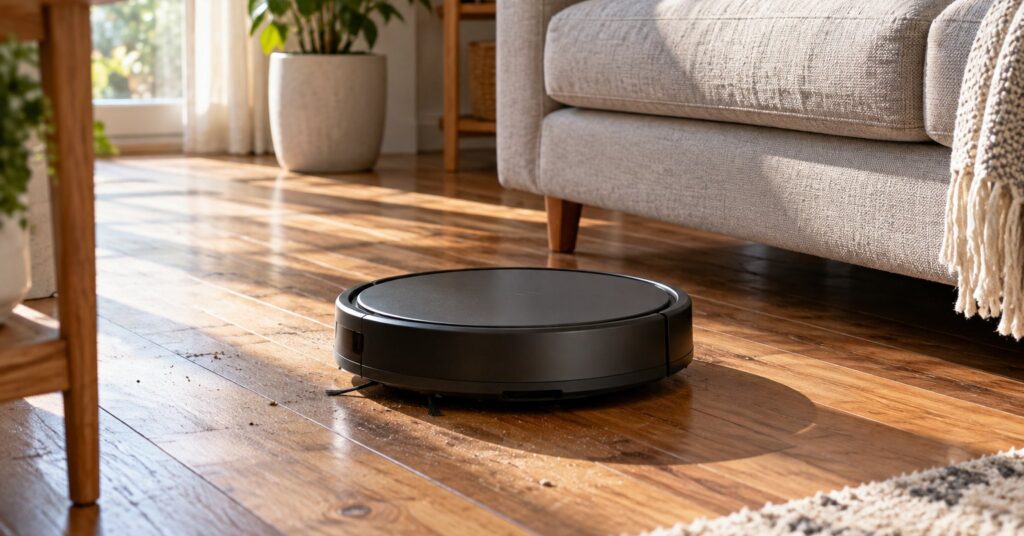
Valetudo is free open-source robot vacuum software for people who want cleaning controls without a manufacturer’s cloud account.5 It is worth considering if keeping household devices local matters enough to take on a more involved setup. It works with specific supported robots, so checking your exact model comes first.4
Last checked October 28, 2026.
At a glance
- What it is: A cloud replacement for robot vacuums.2
- Works on: Supported vacuums; browser controls on phones, tablets and desktop computers.2
- Price: Free software; the robot is a separate purchase.1
- Licence: Apache-2.0.1
- Best for: Households willing to learn the setup process for local control.
- Official site: valetudo.cloud
What Valetudo does and how it protects your privacy
Valetudo runs alongside the manufacturer’s firmware rather than replacing it with custom firmware.2 Firmware is the built-in software that runs a device. Think of Valetudo as changing who the vacuum talks to, while leaving the underlying cleaning software in place.
The project describes its privacy protection as keeping data local rather than sharing it with outside services.2 The practical appeal is control: choose a cleaning job at home without making a remote account part of that everyday task. That is especially useful if your floor plan feels like information that belongs inside your household.
Valetudo 2026.10.0, released October 18, 2026, is the latest release listed by the project.3 For wider household planning, the Academy’s guide to openHAB is a useful companion read. Decide which devices you want to manage locally before adding more equipment.
Valetudo key features
The available controls depend on the robot and its firmware; check the model entry before treating any feature as a buying requirement.
- Everyday cleaning controls: Start or stop a job, return home and adjust settings such as suction.5
- Live maps: Follow the robot’s progress through a map view.5
- Room cleaning: Choose individual rooms and manage them.5
- Virtual boundaries: Set walls or areas where cleaning or mopping should not happen.5
- Selected-area cleaning: Send the vacuum to a particular zone.5
- Home automation: Connect with Home Assistant and other systems through MQTT.2 MQTT is a messaging method that lets devices exchange commands and status.
Valetudo pros and cons
Pros
- Local operation makes sense for a device that maps private living space.
- Browser controls are a convenient choice for a shared household.
- A free software licence makes the project accessible without a software purchase.
- Keeping the existing cleaning software offers a practical route to changing how the device connects.
- Optional automation gives enthusiasts something to grow into after basic setup.
Cons
- Installation needs some knowledge of Linux-like systems and may involve hardware work.5 Allow time to learn before starting.
- An unlisted robot is unsupported, even when its name resembles a supported model.4
- It does not aim to reproduce every feature of the manufacturer’s app.2
- There is no built-in HTTPS support for the web interface.6 Keep access within a trusted home network.
Is Valetudo safe and private?
Valetudo’s developer says there is no built-in telemetry, meaning automatic reporting about usage.1 Sören Beye maintains the project, with occasional contributions from others.1 Source availability is useful for inspection, but treat it as an opportunity for scrutiny rather than a promise that software cannot contain mistakes.
According to the FAQ, Valetudo’s internet connections are its configurable time-sync client and the updater, which contacts GitHub only after a user requests an update check.6 Time synchronization keeps the device’s clock correct. Some manufacturer firmware also makes internet connectivity checks that can be blocked.6 Local operation therefore deserves more careful explanation than “the robot never sends any network traffic.”
The privacy design keeps data local, but the browser connection does not gain encryption merely because it stays at home. The absence of HTTPS matters when deciding who should share that network. Use a well-protected Wi-Fi network, keep the interface off the public internet and consider separating household devices from visitors’ devices. For another part of the same planning exercise, read the Academy’s Frigate guide before choosing how to handle camera recordings.
How to get started with Valetudo
- Choose the exact model first. Read the official supported-robots page, including its model notes and linked installation instructions. Do this before buying a vacuum or downloading an installation package.
- Test the unmodified vacuum. Use its buttons for an initial cleaning run and check that navigation, docking and charging work.7 This helps separate an existing hardware problem from a later setup problem.
- Follow the official installation route. Use only the downloads linked by the model’s official instructions or the project’s GitHub releases. Rooting means gaining administrator access to the device.4 Read the whole procedure and required-equipment list before changing anything.
- Join your home Wi-Fi. After installation, connect to the robot’s own Wi-Fi network and open its local address in a browser.7 Follow the address and button instructions for that model rather than guessing.
- Open the controls. Once the robot joins your network, use its browser interface.7 Start with a simple cleanup and bookmark the address for everyday use.
- Optionally add Android discovery. Valetudo Companion on F-Droid finds compatible robots and opens their control panel in your browser.8 You can leave automation until ordinary cleaning is working comfortably.
Who should use Valetudo, and who might prefer something else?
Valetudo is a good fit when local control is a priority and someone in the household is comfortable following technical instructions. Consider the installation a small project, then judge everyday usability separately. If that sounds enjoyable, start with compatibility rather than shopping for the cheapest vacuum.
If you want a different approach, the Valetudo website also points readers to Roborock Local Server.1 Read its own requirements before choosing hardware. A conventional vacuum is also worth considering if you want cleaning without a software-maintenance task; choosing simpler equipment is a reasonable privacy decision.
Frequently asked questions about Valetudo
Is Valetudo free?
Yes. The software is free.1 A compatible vacuum is a separate purchase.
Does Valetudo work on iPhone?
Yes, through its browser interface; there is no official iOS companion app.6 The Android discovery helper is optional, so do not mistake the lack of an iPhone app for a requirement to own an Android phone.
Can Valetudo work without internet?
Yes, offline operation is the purpose of the project.6 Keep local Wi-Fi available for browser control. Configure the time service appropriately and treat software downloads and update checks as separate activities.
Will Valetudo work with any robot vacuum?
No: robots outside the official list are unsupported.4 Use the exact model list linked below, including hardware notes. A familiar brand name is not enough to establish compatibility. If you already own an unlisted vacuum, choose your next steps around its documented capabilities instead of assuming Valetudo can be installed.