

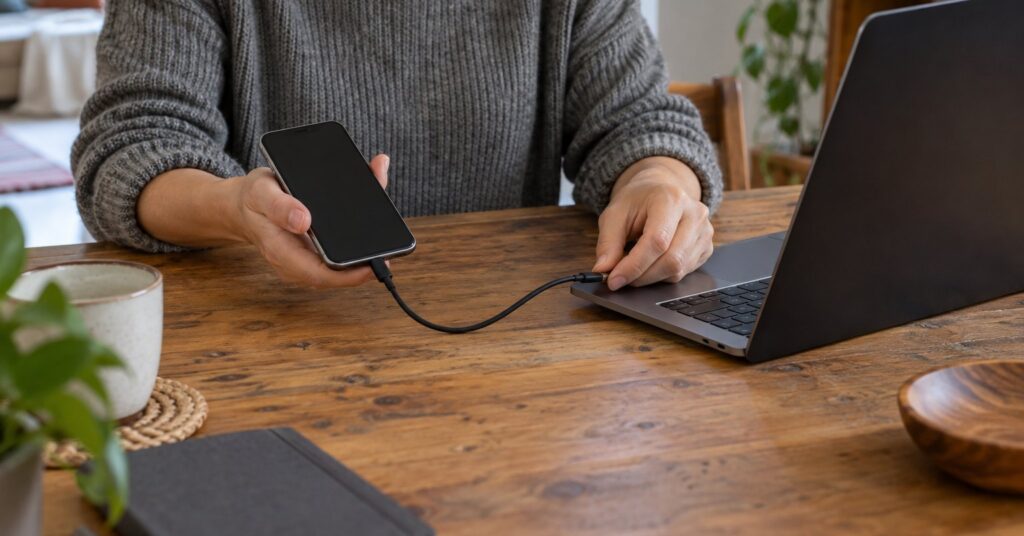
scrcpy is free open-source Android screen mirroring software for controlling a phone from your computer.1 It suits people who want a bigger view and a proper keyboard. Nothing is left installed on the phone.1
Last checked October 28, 2026.
At a glance
- What it is: Android screen mirroring and control.
- Works on: Windows, macOS and Linux; Android 5.0 or newer.1
- Price: Free.1
- Licence: Apache License 2.0.2
- Best for: Using your own Android phone at your desk.
- Official site: Genymobile/scrcpy on GitHub
What scrcpy does and how it protects your privacy
scrcpy mirrors over USB or a network connection, with no account, ads or internet required.1 For a first try, choose a cable and your own computer. That makes it easier to understand which devices are involved.
The project uses Android Debug Bridge, usually shortened to ADB, to communicate with the phone.4 Think of ADB as a connection through which a computer can give an Android device instructions. This is useful access, so grant it deliberately. Choose an ordinary task, such as typing a longer message, before opening anything sensitive.
The current release is scrcpy 5.0.1, published on October 8, 2026.3 The release notes describe it as a patch for hardware decoding problems on Linux, Windows and macOS.3
Key features
- Keyboard and mouse control: Operate Android from the computer.1
- Audio forwarding: Hear phone audio on Android 11 or newer.1
- Recording: Save a session to a named video file.6
- Clipboard sharing: Copy phone text across automatically.5
- View-only mode: Use
scrcpy --no-controlto disable interaction.5 - Wireless use: Connect devices on the same network.4
scrcpy pros and cons
Pros
- No root access is needed.1 Root access means removing some normal restrictions on a phone.
- A good fit for occasional desk work without adding another account to manage.
- A cable makes a sensible, understandable starting point for beginners.
- Open licensing permits redistribution and changes, subject to the licence terms.2
Cons
- It is mainly a command-line application, so options are entered as typed commands.6
- Normal USB mirroring requires USB debugging to be enabled.7
- Wireless setup needs a shared network and additional connection steps.4
- Automatic clipboard sharing crosses from the phone to the computer.5 Consider whether you want that before copying personal information.
Is scrcpy safe and private?
The official project is hosted under Genymobile on GitHub.1 Start there: the repository identifies itself as the only official source.1 Prefer its download links over similarly named websites. Open source gives readers access to the code; treat it as a useful transparency feature rather than a promise that every setup is secure.
A connection that does not need the internet still leaves each app’s own behaviour unchanged. For questions about an app’s own connections, see the Academy guide to NetGuard.
Android asks you to unlock the phone and acknowledge a debugging authorization dialog.7 Approve only a computer you control and trust. Avoid setting this up on a shared or borrowed machine just for convenience. When finished, disconnect and turn USB debugging off if you no longer need it.
scrcpy offers --no-clipboard-autosync to disable automatic clipboard synchronization.5 Use that option if your normal copying includes personal information. When recording, choose the destination filename on your computer; the Windows guide gives --record=file.mkv as an example.6 Treat recordings as sensitive documents: choose a private destination, review the result before sharing, and close unrelated conversations first. The project documents an SSH tunnel when scrcpy talks to an adb server on another computer, and it warns that direct client-to-server adb traffic is unencrypted.9
How to get started with scrcpy
- Choose the official download. Open the repository linked above and follow its installation instructions for your computer. On Windows, download the release ZIP and extract it.6 Keep the extracted files together.
- Prepare the phone. Find USB debugging under Developer options in Android’s system settings.7 Follow the linked Android instructions if that menu is hidden. Take a moment to read the setting before enabling it.
- Connect and authorize. Use a USB data cable, unlock the phone, and approve its debugging prompt for your own computer. If no prompt appears, check the cable and consult the official connection instructions before changing unrelated settings.
- Open scrcpy. On Windows, double-click
open_a_terminal_here.batin the extracted folder, then typescrcpy.6 A terminal is simply a window for typed commands. - Try one harmless task. Open an ordinary app and practise selecting and typing. For a demonstration, decide in advance what the audience should see and whether recording is actually necessary.
- Finish deliberately. Close the session, unplug the phone, and disable debugging when you are done. Leave wireless setup for later, once the basic workflow feels comfortable.
Who should use scrcpy, and who might prefer something else?
Choose scrcpy if you want to operate your own Android phone while sitting at a computer and are comfortable following a short setup guide. Use it when you want the phone’s existing apps in a larger window. Start with the simplest connection and add options only when you have a clear need.
For a different device-connection workflow, compare KDE Connect. If your task centres on remote computer access, read the RustDesk guide. Choose according to the job you want to finish, rather than assuming every device-sharing tool serves the same purpose.
Frequently asked questions about scrcpy
Is scrcpy free?
Yes, it is free and open source.1 Use the official repository’s instructions; there is no reason to start with a paid download site.
Does scrcpy work with iPhone?
scrcpy targets Android devices.1 An iPhone owner should choose a tool specifically documented for that phone.
Can scrcpy work over Wi-Fi?
Yes: its connection guide documents wireless ADB setup.4 Begin over USB if you are new to it, and use a trusted network.
Is the scrcpy app on F-Droid the official desktop tool?
The F-Droid listing for package invalid.lena.scrcpy identifies itself as an independent client unaffiliated with Genymobile.8 For the desktop software described here, follow Genymobile’s repository.
Sources
- Genymobile: scrcpy official repository
- Genymobile: scrcpy Apache licence
- Genymobile: scrcpy 5.0.1 release
- Genymobile: connection documentation
- Genymobile: control and clipboard documentation
- Genymobile: Windows installation and usage
- Android Developers: Android Debug Bridge
- F-Droid: independent scrcpy Android client
- Genymobile: scrcpy tunnel documentation


